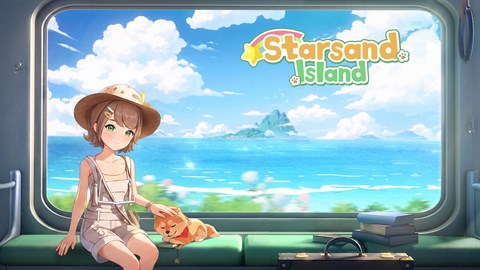
Starsand Island Classical Furniture, Outfit & Vehicle DLC
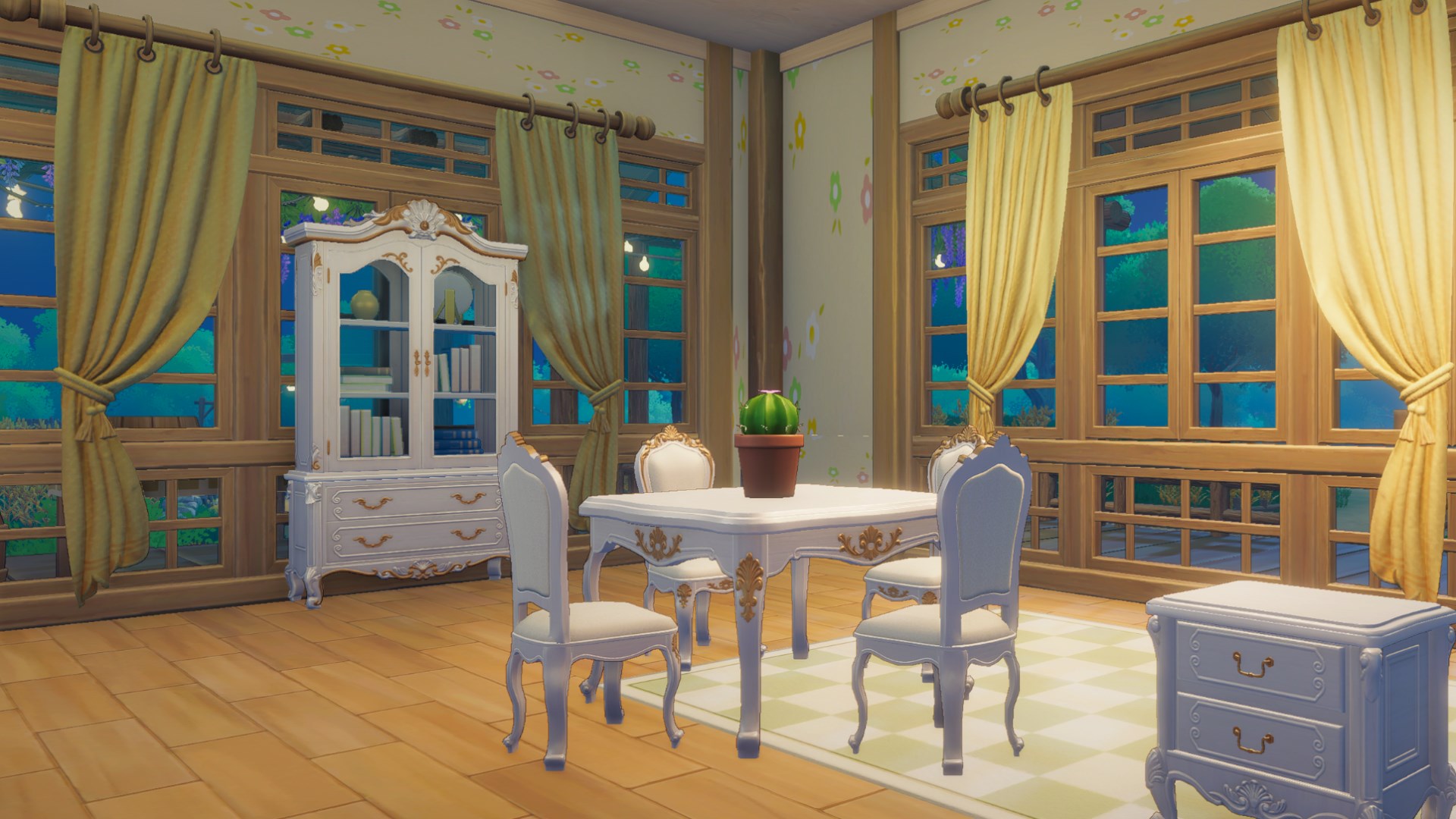
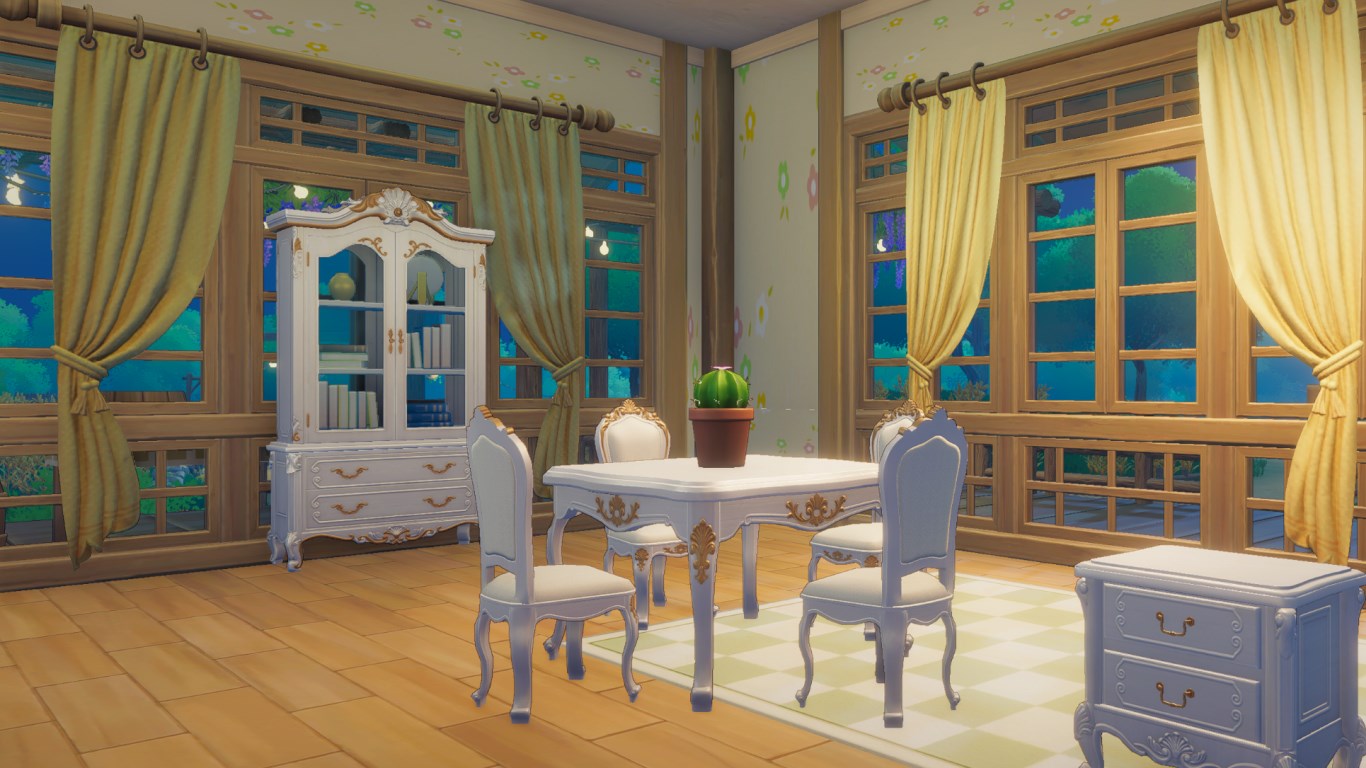
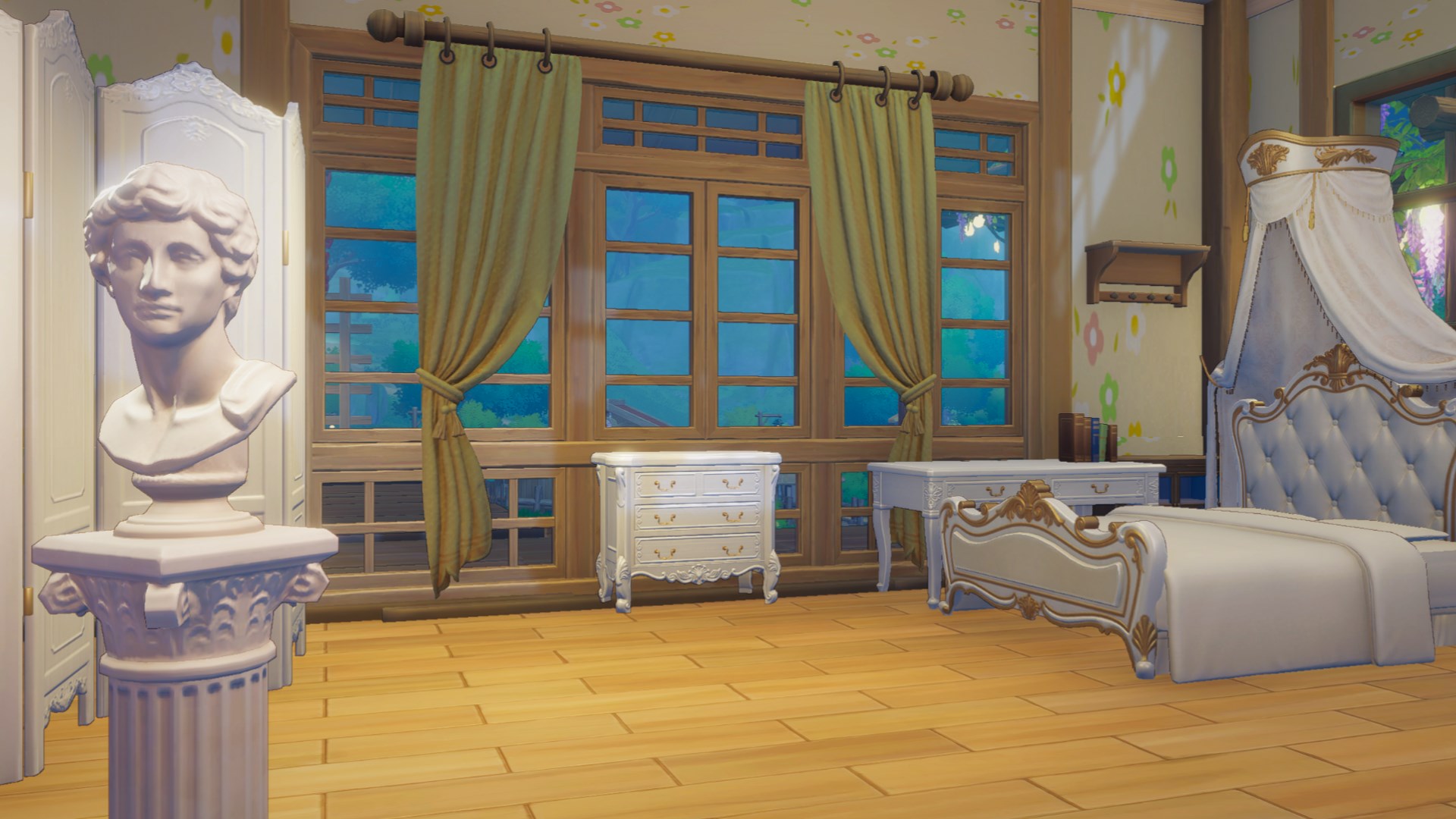
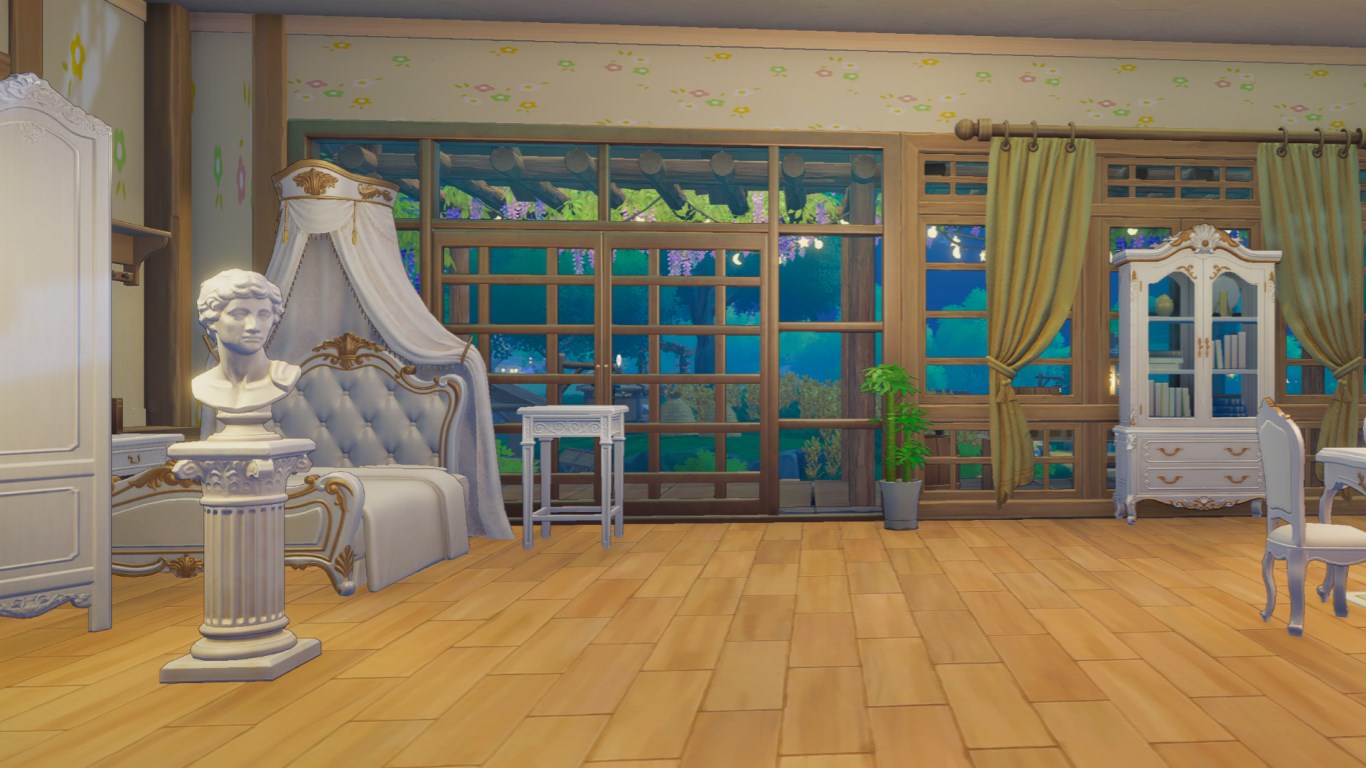
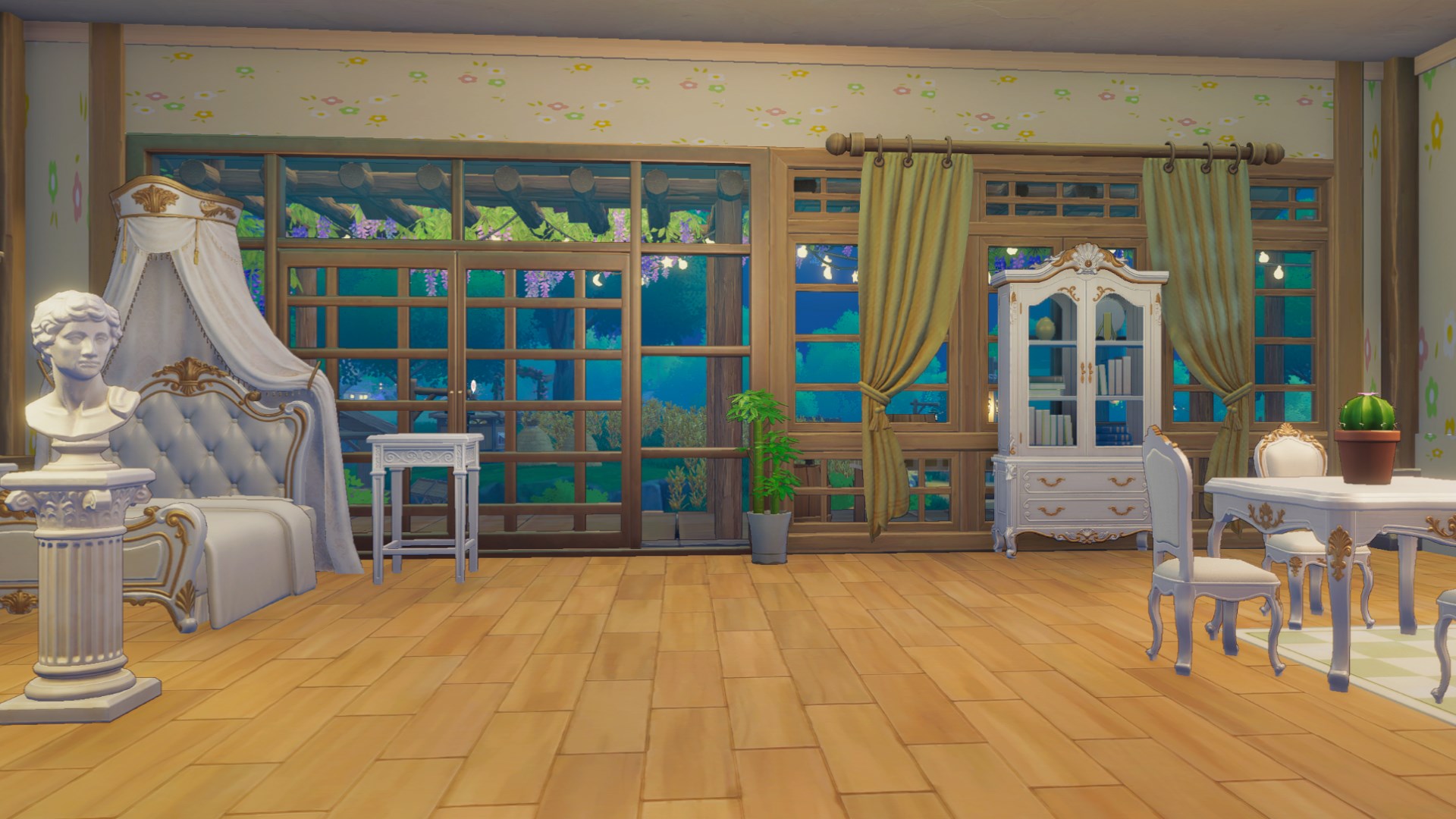
Classical Furniture Set
Elevate your home's aesthetic with this elegant Classical Furniture Set.
This set includes a variety of classically-styled furniture, designed with intricate details and a sophisticated color scheme. Ideal for building a castle-inspired theme or evoking a luxury atmosphere, it gives your home a distinctive and elevated charm.
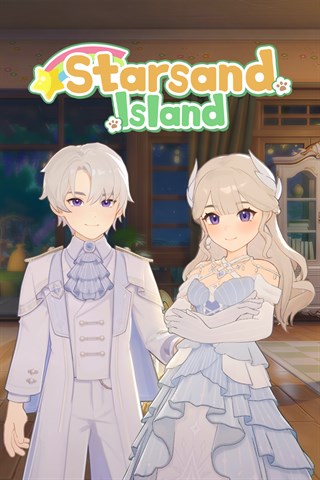
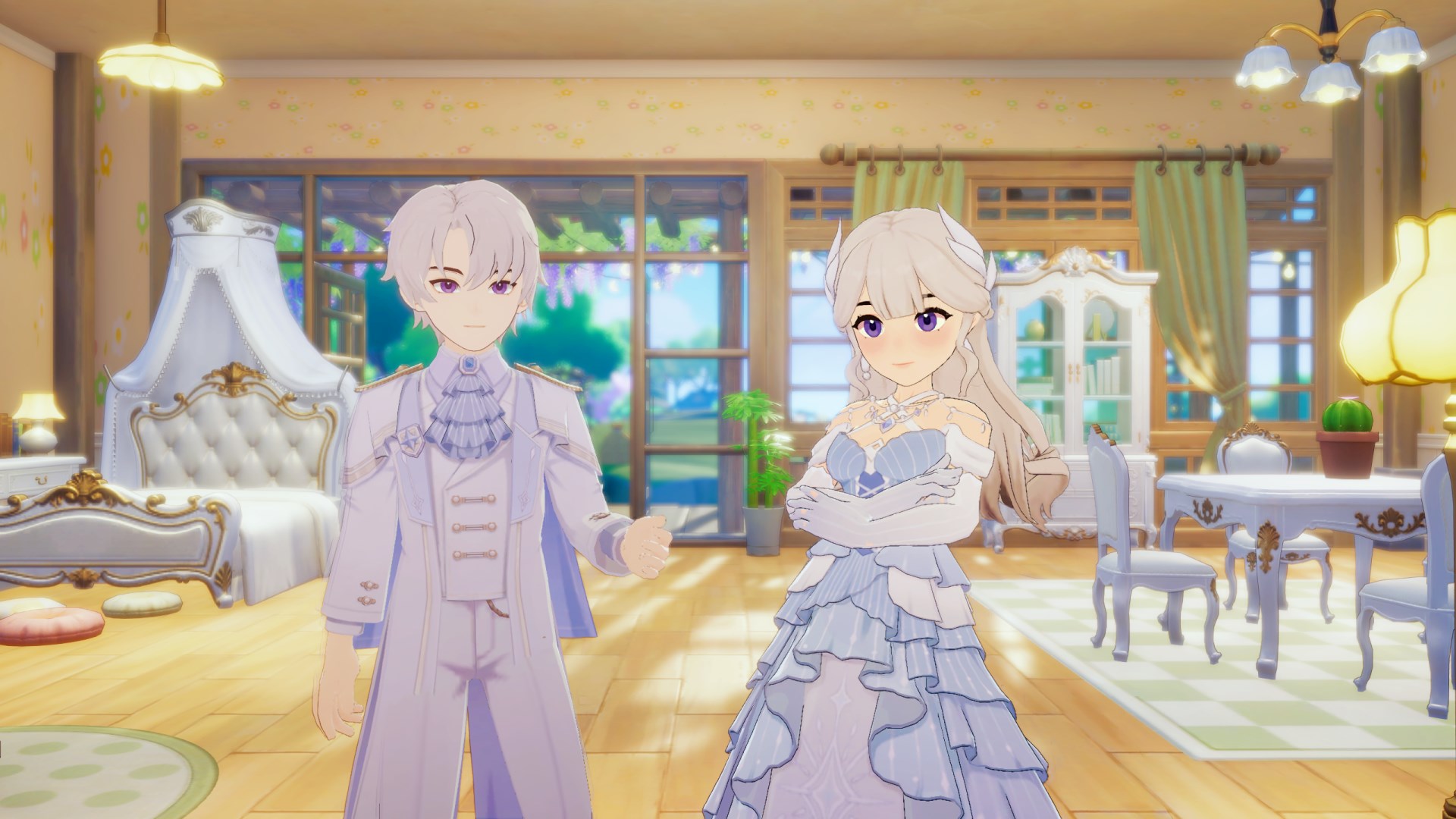
Elegant Formal Outfit
Step into a storybook of timeless grace and romance.
This collection features timeless designs crafted with classic silhouettes and a dreamy color palette. Perfect for everyday adventures, festive events, or capturing stunning photos, it offers a beautifully polished and enchanting look for any occasion.
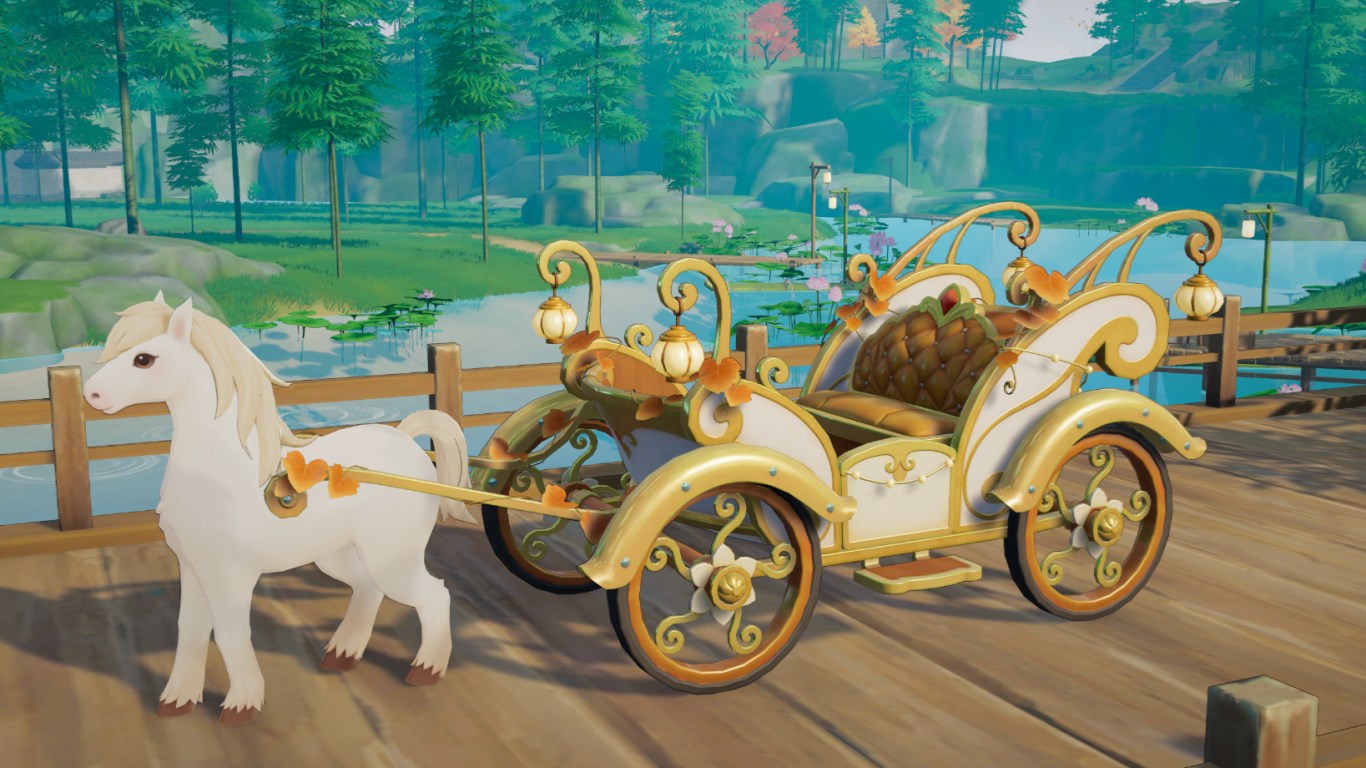
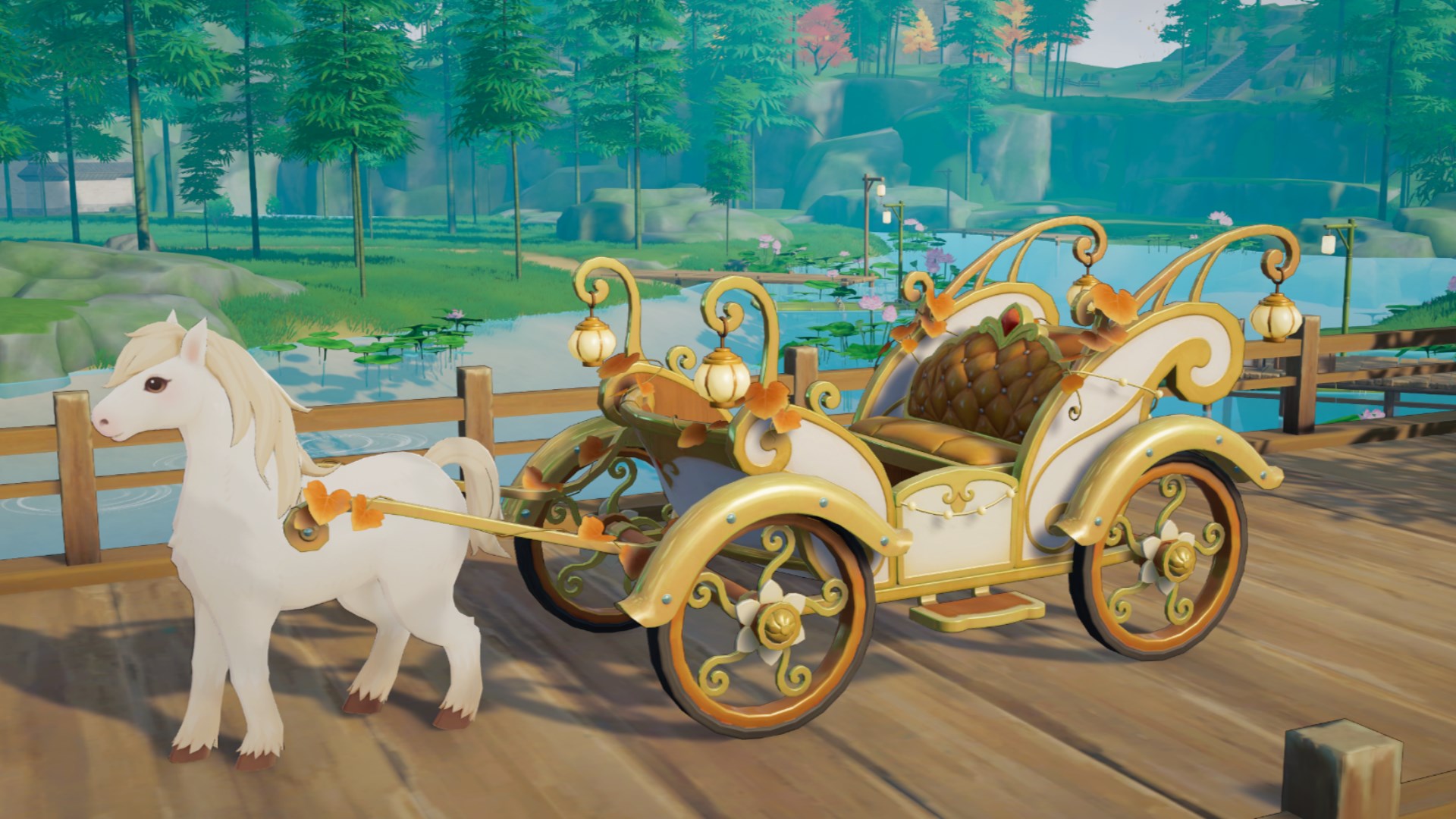
Pumpkin Carriage
Step into a fairy tale with the Pumpkin Carriage.
This carriage is crafted with the whimsy of a fairy tale, offering a uniquely romantic way to travel and explore the wonders of Starsand Island.
How to Claim DLC Rewards
To claim your DLC rewards, please make sure you:
1. Activate the DLC.
2. Finish the main story quest "Return to the Cabin in the Woods."
After that, you'll unlock the quest "Claim the Classical Furniture, Outfit & Vehicle DLC Reward."
Simply follow the quest and head to the self-service terminal at the Starsand Island Community Center to receive your rewards.
To use the DLC dance moves, you first need to finish the "Island Life: Decorating Your Home" stage and unlock the Phone - Emotes feature.
Preisvergleich
Galerie
Du hast keine Kreditkarte?
Anleitung
Du tätigst deinen Kauf in einem der oben aufgeführten Microsoft Stores - vorzugsweise natürlich den mit dem besten Preis - genauso wie du es auch im deutschen Store machen würdest. Der einzige Unterschied ist das du in der Regel eine Kreditkarte benötigst um Bezahlen zu können.
Um dich in dem ausländischen Store besser zurecht zu finden, kannst du z.B. die Übersetzungsfunktion deines Browsers nutzen.
Nutze das Xbox Konto, welches du auch auf der Konsole verwendest, um dich im Store anzumelden und füge im Bezahlvorgang deine Kreditkarte als Zahlungsmittel hinzu. Ab dem nächsten Kauf steht dir die Zahlungsoption dann immer direkt zur Verfügung.
Wenn du bei einem unserer Partnershops kaufst erhältst du im Anschluß einen Code, welchen du an deiner Konsole oder auf der Microsoft Website einlösen kannst. Danach ist das Spiel in deinem Xbox Account hinterlegt und steht zum sofortigen Download bereit.